Today on one screen
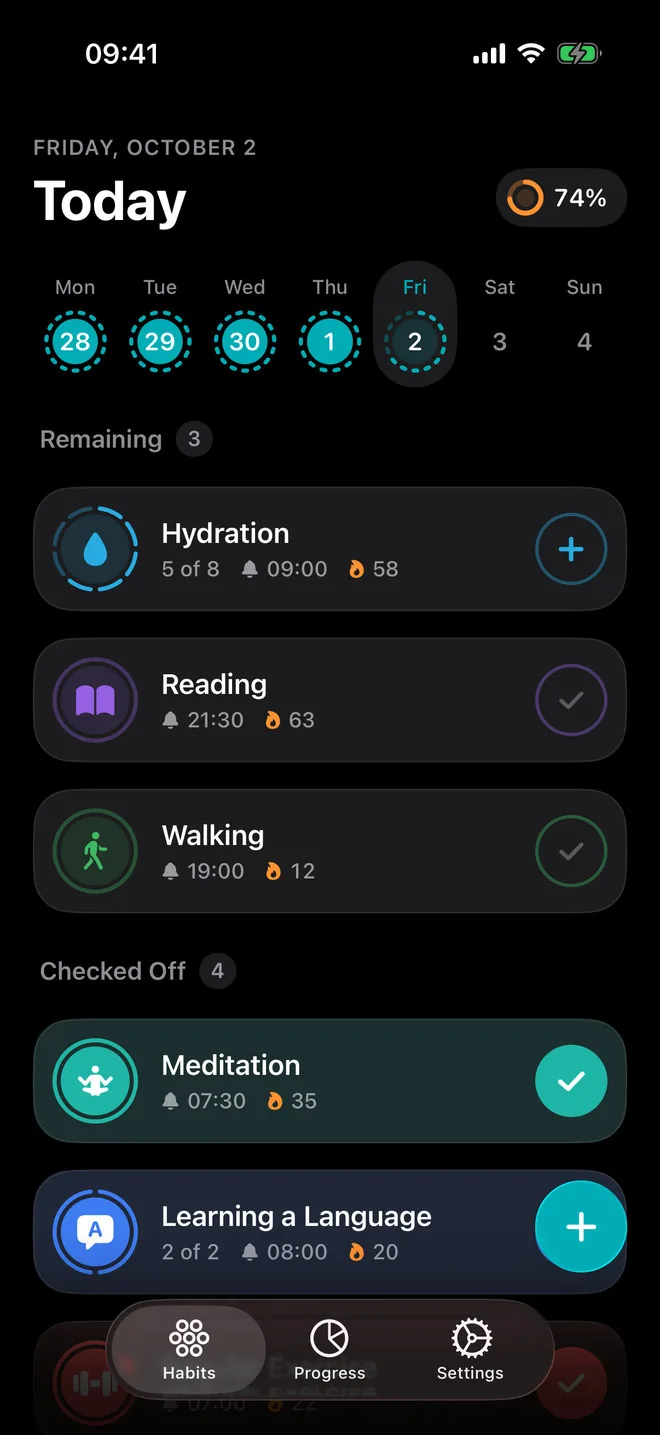
Habits still to do on top, habits checked off below, each with its streak and reminder time. The week strip above fills in as your days close.
Habit tracker for iPhone
iHabits puts today on one screen: every habit as a ring, the week above them, what is left to do at the top. Tap a habit to check it off and the streak counts itself.
Download on the App StoreFree to start. No account. Syncs through your iCloud.
Features
Habits still to do on top, habits checked off below, each with its streak and reminder time. The week strip above fills in as your days close.
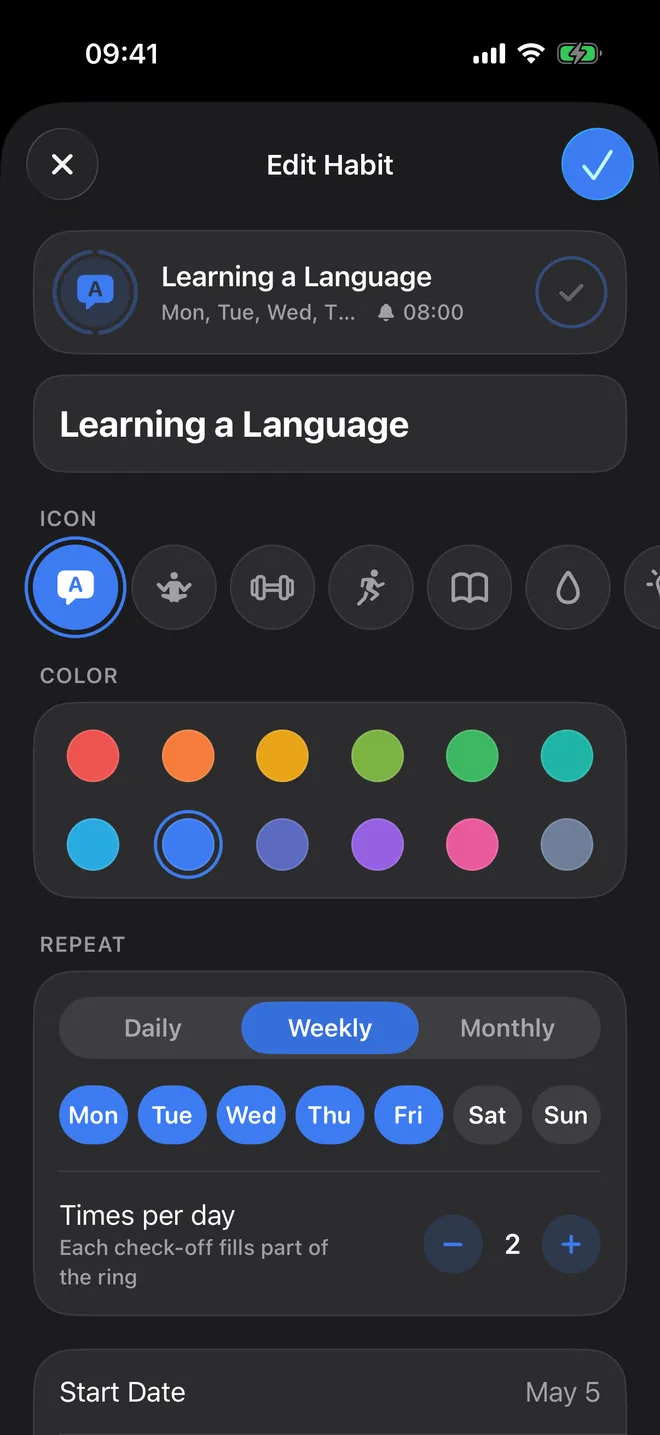
"8 glasses of water" or "2 lessons": set up to 12 check-offs a day and the ring splits into segments. Every check-off fills one.
Every day, chosen weekdays or chosen days of the month, with a start and an end date. Changing a schedule never rewrites the days behind you.
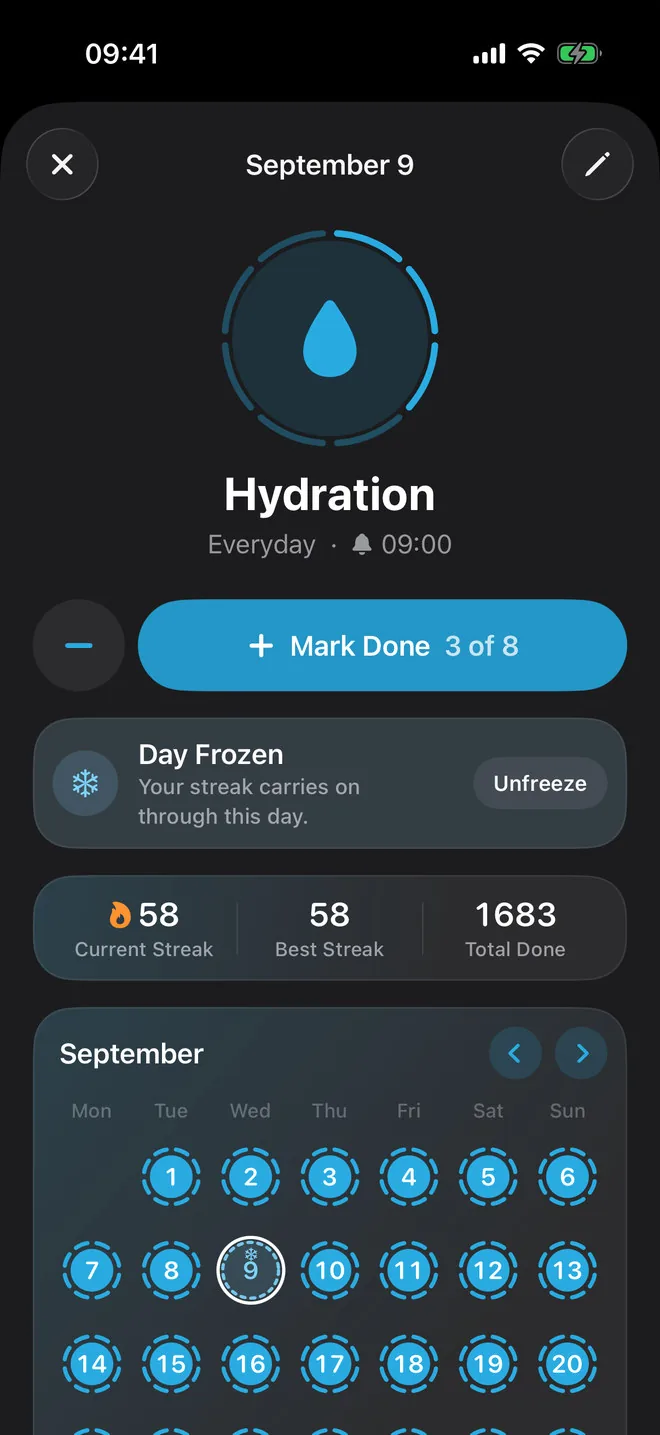
Current streak, best streak and total check-offs for every habit, with a month calendar that fills in as you go.
Ill, travelling, a long day? Freeze the day you missed and the streak carries on. Two freezes a month for each habit, with iHabits Plus.
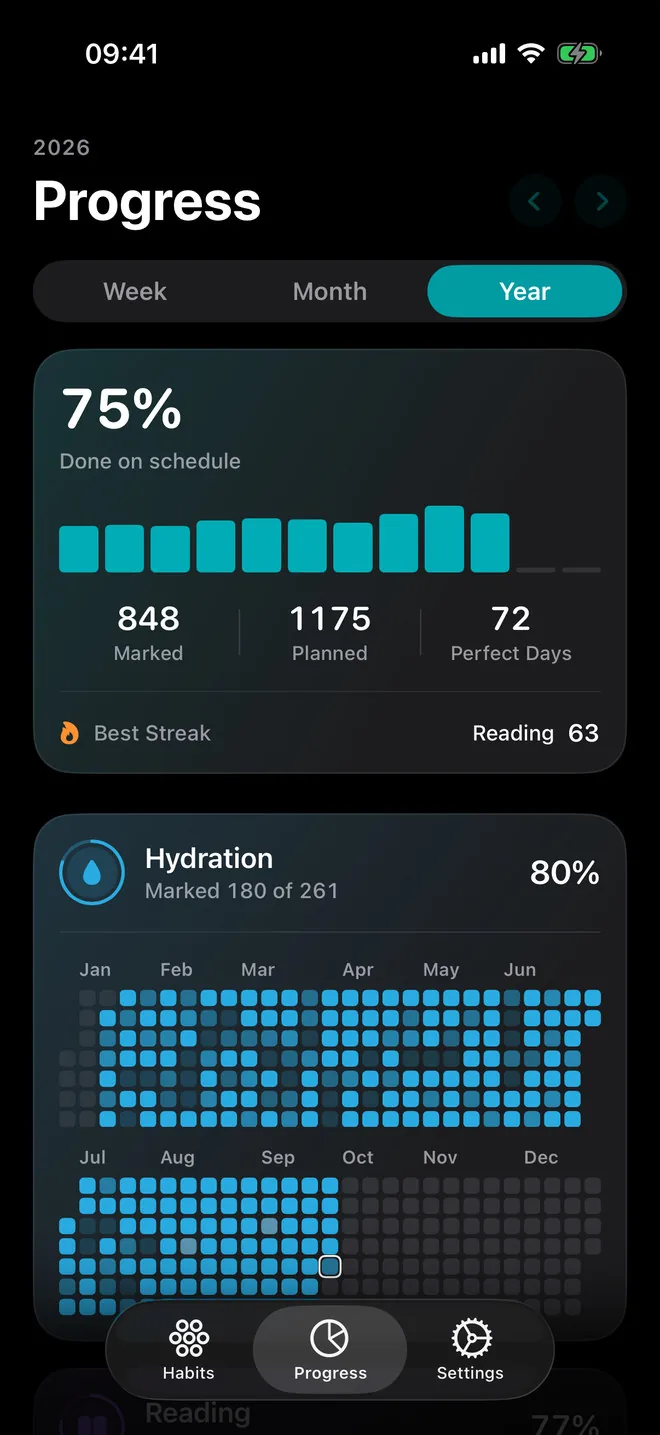
Progress for the week, the month and the year: how much got done on schedule, perfect days, your best streak and a year heatmap for every habit.
A nudge at the time you choose, so a habit doesn't slip your mind. With Plus, several a day, each in your own words.
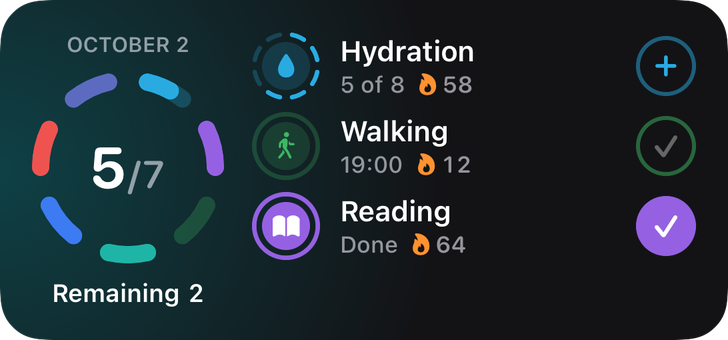
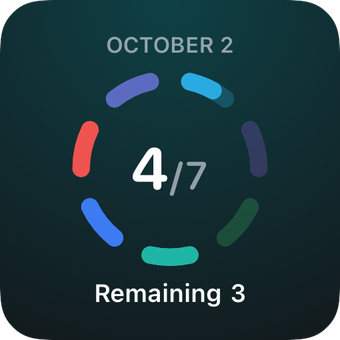
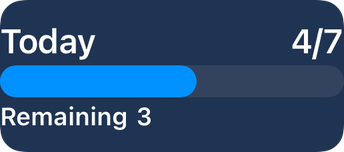
Check habits off right from the Home Screen, in small, medium and large sizes. A Lock Screen widget shows how much of today is done.
A note on any day, to read back months later. Archive a habit instead of deleting it and keep its history. Everything syncs through your iCloud.
Try it
Every ring is a day. Hydration takes four check-offs, so its ring fills in four steps. Learning a Language takes two and rests at weekends. Miss a day and see what happens to the streak.
Schedules
A new habit takes a name, an icon and one of twelve colours. Start from a ready-made one like hydration, reading or meditation, or write your own.
Streaks
Every habit has its own screen: the current streak, the best one, every check-off so far, and a month calendar of rings. Missed a day for a good reason? Freeze it, and the streak carries on through it.
Progress
Progress puts every habit in one place and counts only the days each one was scheduled, so a habit you do three times a week isn't marked down for the other four.
Widgets
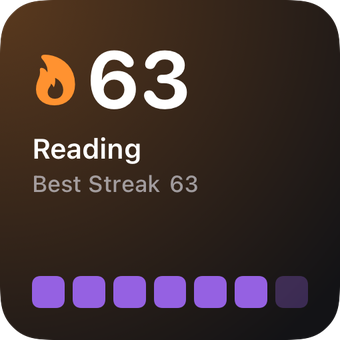
Tap the button on a widget and the habit is checked off, without opening the app. Today's list, one habit, a grid of rings or a streak, in small, medium and large.
Lock Screen
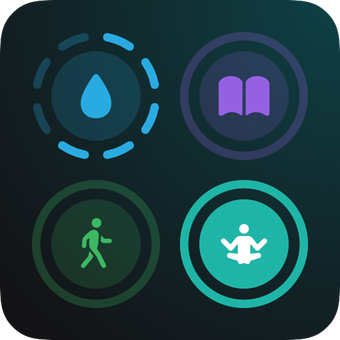
Pick which habits a widget shows. A ring on the widget fills the same way it does in the app.
FAQ
Yes, it is free to start, with streaks, schedules, reminders, Progress, widgets and iCloud sync. The free version has a limit on the number of habits; iHabits Plus removes it.
Unlimited habits, Streak Freeze, several reminders a day in your own words, and five more app icons. You can take it as a monthly subscription or pay once for lifetime access.
Open a habit, pick the day you missed and freeze it: the streak carries on through that day. Each habit gets two freezes a calendar month. If you check the day off after all, the freeze goes back to the month.
Yes. Set "Times per day" from 1 to 12. The ring splits into that many segments, and every check-off fills one. The day counts as done when the ring is full.
Nothing. A new schedule applies from now on; the days behind you keep the schedule they had, so your streaks and percentages don't shift.
No account. Your habits are kept on your iPhone and, when you are signed in to iCloud, synced through your own iCloud account, so they follow you to your other devices. Nothing is stored on our servers.
The whole app is translated into more than 30 languages, and you can switch the language right in Settings.
More apps
Clean, focused tools built for everyday life on iPhone.
 Skyward
Tells you when and where to look tonight — meteor showers, the Moon and planets for your city — with a sky map you hold up to the sky.
Skyward
Tells you when and where to look tonight — meteor showers, the Moon and planets for your city — with a sky map you hold up to the sky.
 Quitwell
Counts the days without it — alcohol, nicotine, vaping or anything you decided to leave behind — with milestones and the money you keep.
Quitwell
Counts the days without it — alcohol, nicotine, vaping or anything you decided to leave behind — with milestones and the money you keep.
 Revera
Restores old photographs — colour, tears and scratches — and leaves the face exactly as it was.
Revera
Restores old photographs — colour, tears and scratches — and leaves the face exactly as it was.
 Surfbreak
Surf forecast for 183 spots across Indonesia — then your Apple Watch counts every wave you ride.
Surfbreak
Surf forecast for 183 spots across Indonesia — then your Apple Watch counts every wave you ride.
 RopeFlow
Jump rope workouts with automatic jump counting, XP, streaks and achievements — for iPhone and Apple Watch.
RopeFlow
Jump rope workouts with automatic jump counting, XP, streaks and achievements — for iPhone and Apple Watch.
 Borderlog
Counts your days in every country — Schengen 90/180, 183-day tax residency and visa rules for 200+ countries.
Borderlog
Counts your days in every country — Schengen 90/180, 183-day tax residency and visa rules for 200+ countries.
 iCurrency
Currency converter for 160+ currencies and top crypto with live rates and offline mode.
iCurrency
Currency converter for 160+ currencies and top crypto with live rates and offline mode.
 Followly
See who unfollowed you on Instagram — track followers, ghosts and non-followers, privately on your device.
Followly
See who unfollowed you on Instagram — track followers, ghosts and non-followers, privately on your device.
 Hale
Calm anxiety in 60 seconds with guided breathing, a quiet voice and gentle haptics.
Hale
Calm anxiety in 60 seconds with guided breathing, a quiet voice and gentle haptics.
 Voca
Record meetings and interviews — Voca marks who said what and pulls out the tasks.
Voca
Record meetings and interviews — Voca marks who said what and pulls out the tasks.
 Renewly
A privacy-first subscription tracker — capture receipts on device, get reminded before every charge, and pay once.
Renewly
A privacy-first subscription tracker — capture receipts on device, get reminded before every charge, and pay once.